Scratch or Python First? The Exact Answer for Your Child's Age and Experience
Not a generic 'coding languages for kids' article. This is the specific guide that tells you exactly which language is right for your child right now — and the learning path that actually leads somewhere useful.
Not sure where to start? Book a free diagnostic — we'll find exactly where your child is and what they need next →
When parents decide it's time for their child to learn coding, the immediate question is: where do we start? Scratch or Python? The internet offers contradictory advice in every direction. This guide gives the specific, practical answer — tailored to your child's age and current experience.
Fix them.
For free.
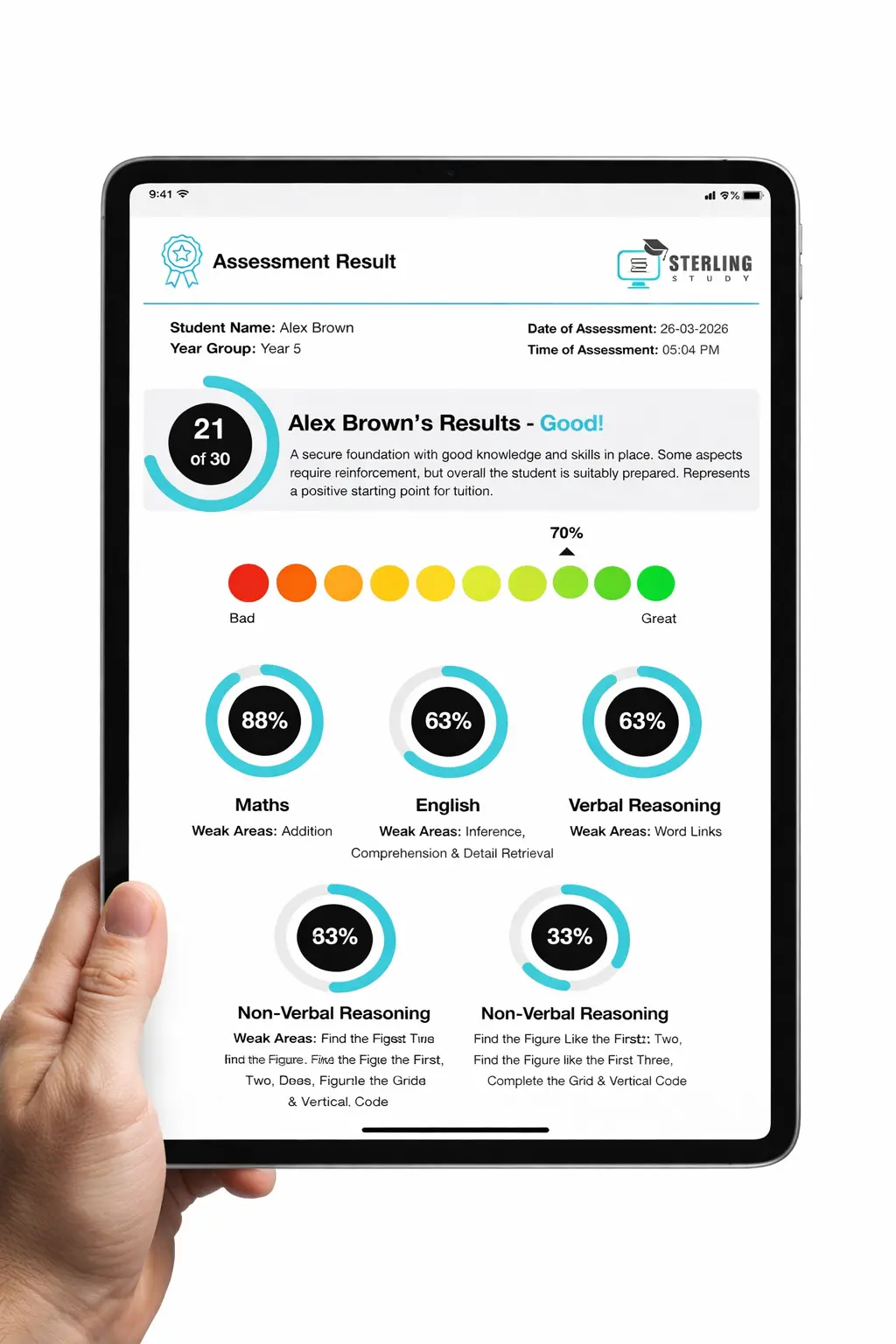
- ✓ Subject-by-subject breakdown across all Science topics
- ✓ Time-per-question analysis
- ✓ Where you stand vs grade boundaries
- ✓ Detailed PDF results sent immediately
- ✓ No strings attached
1. Scratch vs Python — The Full Comparison
Before deciding which to start with, it helps to understand what each language is actually designed for. They are not in competition — they serve different stages of the same learning journey.
| Scratch | Python | |
|---|---|---|
| Type | Block-based (visual) | Text-based (typed code) |
| Syntax errors possible? | ❌ No — blocks snap together | ✅ Yes — exact characters matter |
| Best age range | 7–11 (ideal entry point) | 10+ with prior concepts; 13+ without |
| What you build | Games, animations, interactive stories | Data tools, web apps, automation, games |
| GCSE Computer Science relevant? | Indirectly — builds concepts | ✅ Yes — directly assessed in GCSE CS |
| Ceiling | Higher than most parents realise | Essentially unlimited |
| Main advantage | Removes syntax barrier so concepts shine | Opens the real world of programming |
Scratch is not a toy — it is a pedagogical tool. MIT has produced sophisticated computational art and simulation projects entirely in Scratch. The block format is a deliberate choice to remove friction, not a sign of limited power.
2. The Exact Recommendation by Child Profile
Stop guessing. Find your child's profile below and follow the recommendation. These are based on thousands of hours of teaching experience — not generic age brackets from a listicle.
3. The Concepts That Transfer from Scratch to Python
This is what makes the Scratch-to-Python journey effective rather than arbitrary. A child who genuinely understands these concepts in Scratch is not learning new ideas when they move to Python — they are learning new notation for things they already know. This is enormously less intimidating than learning concepts and notation simultaneously.
| Scratch concept | Python equivalent | Why transfer is smooth |
|---|---|---|
| Variables (orange blocks) | x = 5 | Same concept, new notation — not new thinking |
| 'Repeat 10' / 'Forever' blocks | for / while loops | Same iteration logic, different syntax |
| 'If… then… else' blocks | if… elif… else statements | Identical conditional logic |
| 'When flag clicked' events | Functions called at specific points | Same event-driven programming concept |
| 'Say' and 'Ask' blocks | print() and input() | Same input/output concept, different command |
Skipping Scratch because it "looks like a kids' tool." When a child then struggles with Python syntax at age 11, they conclude they are "not a coding person." The frustration was avoidable. The foundation matters.